

科创数据欢迎您。全站积分可通过签到和每日任务获取,等不及的小伙伴也可直接购买哦!

科创数据三端封装分发系统安装教程

20安装环境:宝塔CentOS 7.6—PHP7.4—MysqQl.5.6

21

教程开始

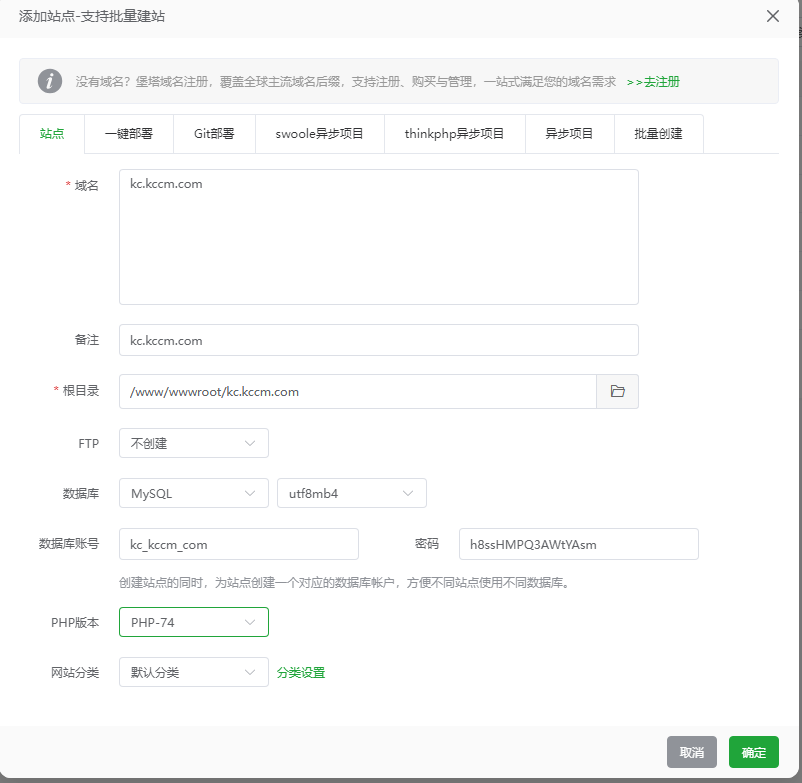
新建站点:

1

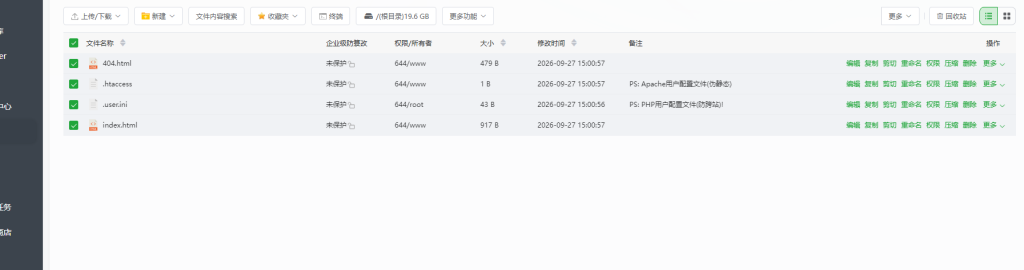
删除新建多余文档:

2

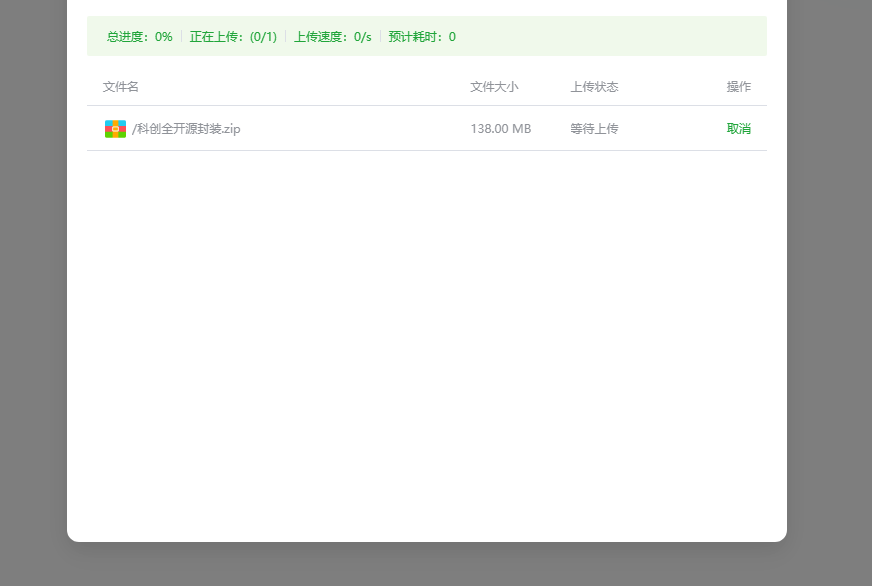
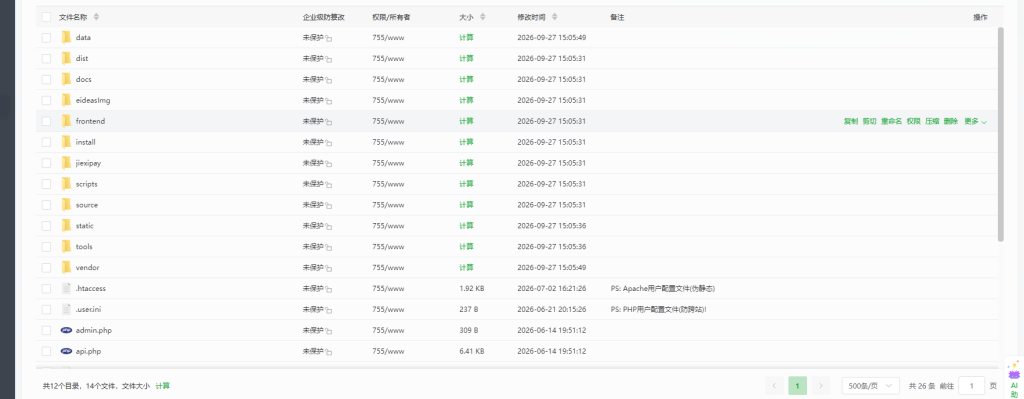
在新建根目录上传源码:

3

上传完成后解压源码包:

4

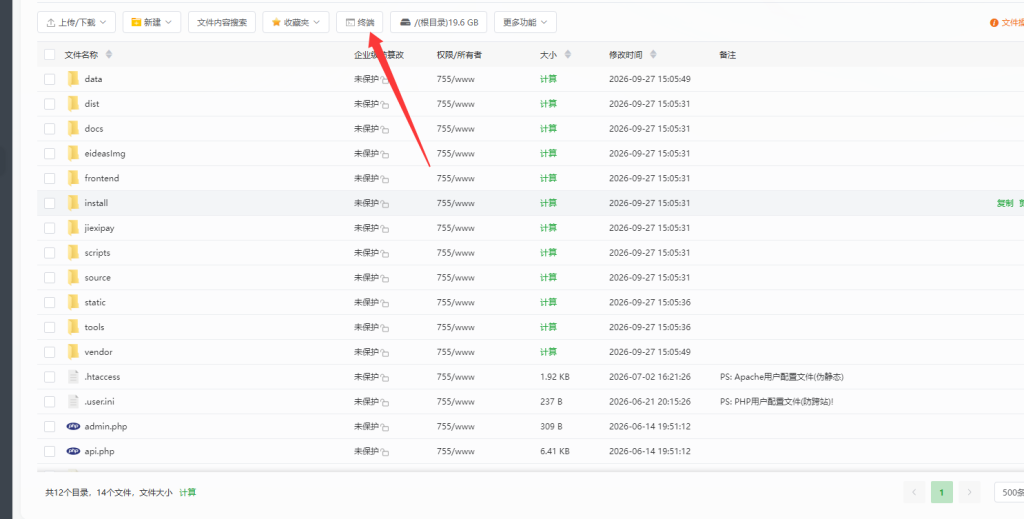
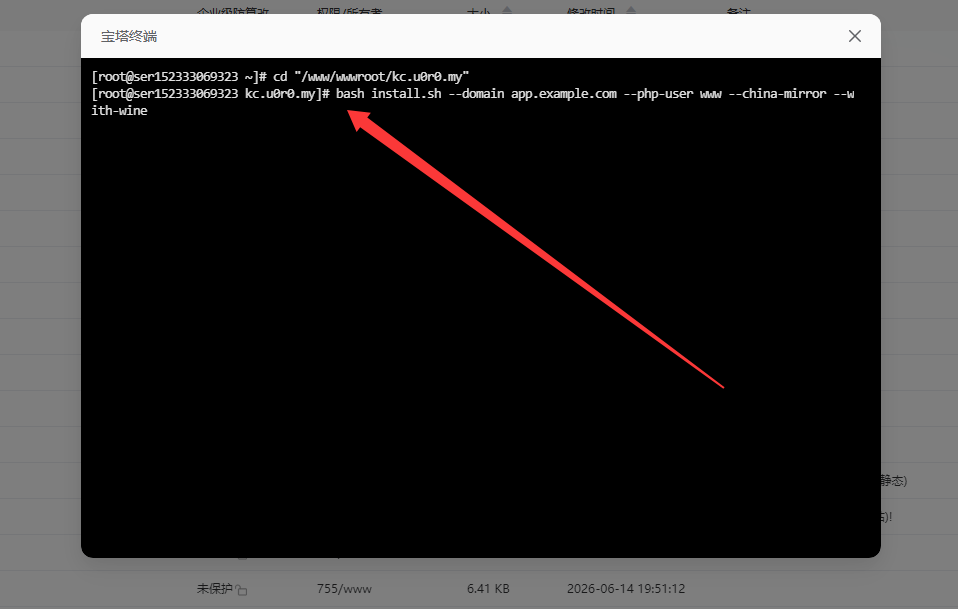
在新建站点根目录终端安装依赖:

5

依赖代码:

将此代码复制到下图框中按回车确认安装   bash install.sh –domain app.example.com –php-user www –china-mirror –with-wine
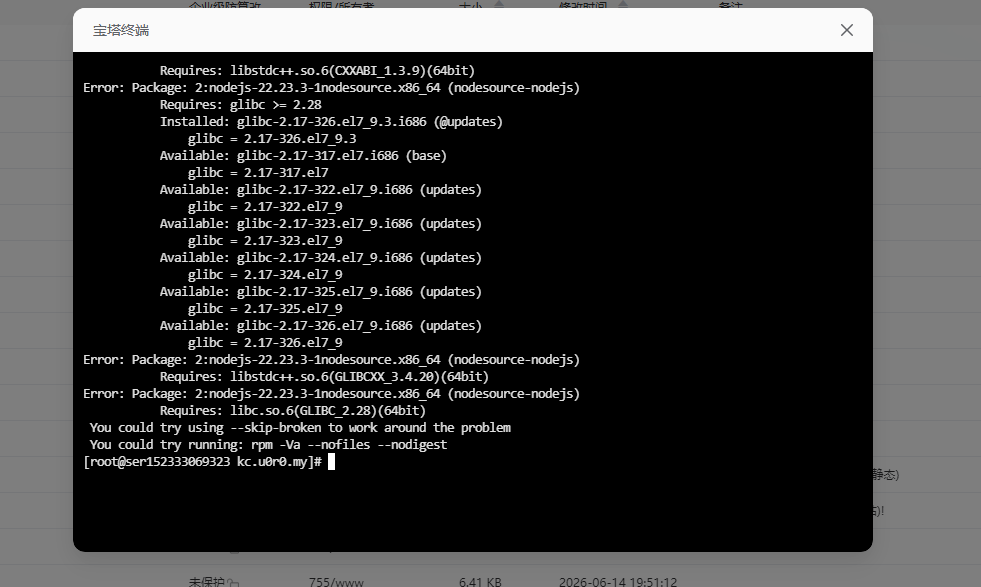
等待安装依赖完成。
6

安装到如下图显示root@ser出现就算安装完成后就可关掉终端显示。

7

然后进入网站 → 找到你的站点 → 点击进去 点击左侧 设置伪静态:把下方代码复制到伪静态栏保存。
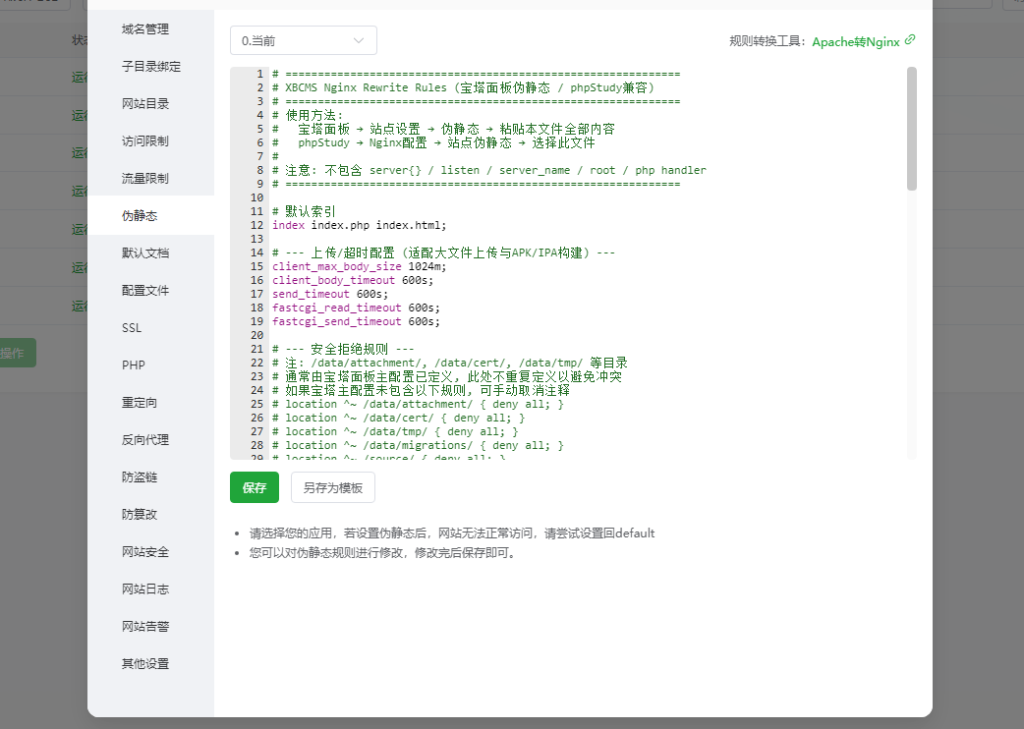


# =============================================================
# XBCMS Nginx Rewrite Rules (宝塔面板伪静态 / phpStudy兼容)
# =============================================================
# 使用方法:
# 宝塔面板 → 站点设置 → 伪静态 → 粘贴本文件全部内容
# phpStudy → Nginx配置 → 站点伪静态 → 选择此文件
#
# 注意: 不包含 server{} / listen / server_name / root / php handler
# =============================================================
 
# 默认索引
index index.php index.html;
 
# — 上传/超时配置 (适配大文件上传与APK/IPA构建) —
client_max_body_size 1024m;
client_body_timeout 600s;
send_timeout 600s;
fastcgi_read_timeout 600s;
fastcgi_send_timeout 600s;
 
# — 安全拒绝规则 —
# 注: /data/attachment/, /data/cert/, /data/tmp/ 等目录
# 通常由宝塔面板主配置已定义, 此处不重复定义以避免冲突
# 如果宝塔主配置未包含以下规则, 可手动取消注释
# location ^~ /data/attachment/ { deny all; }
# location ^~ /data/cert/ { deny all; }
# location ^~ /data/tmp/ { deny all; }
# location ^~ /data/migrations/ { deny all; }
# location ^~ /source/ { deny all; }
# location ^~ /vendor/ { deny all; }
# location ^~ /frontend/ { deny all; }
# location ^~ /scripts/ { deny all; }
# location = /worker.php { deny all; }
# location = /install/schema.sql { deny all; }
 
# 拒绝隐藏文件 (.git, .env, .htaccess等)
location ~ /\. {
deny all;
}
 
# 拒绝敏感文件类型
location ~* \.(sql|bak|log|ini|lock)$ {
deny all;
}
 
location ~* /composer\.(json|lock)$ {
deny all;
}
 
# — 安全响应头 —
add_header X-Content-Type-Options “nosniff” always;
add_header X-Frame-Options “SAMEORIGIN” always;
add_header Referrer-Policy “strict-origin-when-cross-origin” always;
 
# — API 路由 (优先匹配) —
# 注: 宝塔 PHP handler 需使用 location ~ \.php(.*)$ 格式以支持 PATH_INFO
# 如果使用 location ~ \.php$ (不支持PATH_INFO), 请改为 \.php(.*)$
location ^~ /api/ {
rewrite ^/api/(.*)$ /api.php/$1 last;
}
 
# — 安装路由 —
location = /install {
rewrite ^ /install.php last;
}
 
# — SPA路由与同名物理目录冲突处理 —
# /tools 和 /docs 是 Vue Router 路由, 但项目中也有同名目录
# 必须强制走 index.php 避免 try_files 匹配到物理目录
# 注: 不追加路径到 index.php, PHP 通过 REQUEST_URI 获取原始路径
location ^~ /tools {
rewrite ^ /index.php last;
}
 
location ^~ /docs {
rewrite ^ /index.php last;
}
 
# — 静态资源 (dist/assets 由 index.php 代理读取) —
# Vite 构建产物带 hash, 可长缓存; 优先直读 dist/, 否则交给 PHP
location ^~ /assets/ {
try_files /dist$uri /index.php?$query_string;
}
 
# — SPA 主路由 —
# 优先物理文件(favicon.ico, admin.php等), 不存在则全部交给 index.php
# 注: 不追加 $uri 到 index.php, 确保兼容 location ~ \.php$ handler
# PHP 通过 $_SERVER[‘REQUEST_URI’] 获取原始路径
location / {
try_files $uri $uri/ /index.php?$query_string;
}

8

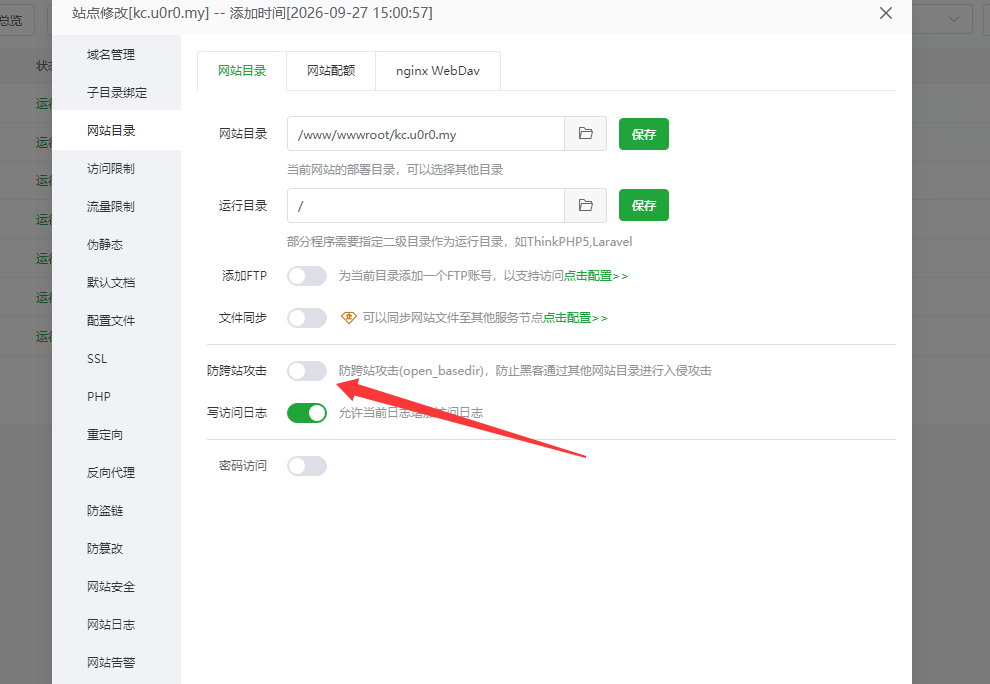
再进网站目录关掉防跨站攻击(open_basedir) → 取消勾选,如果是显示关掉了的就不用管它
9

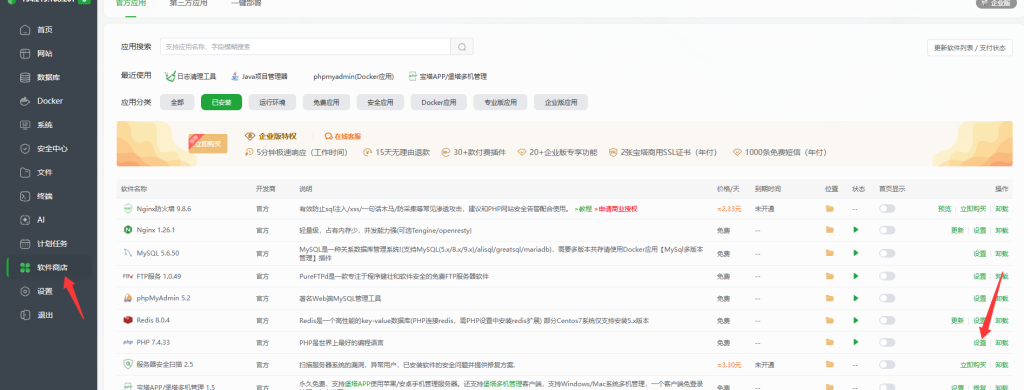
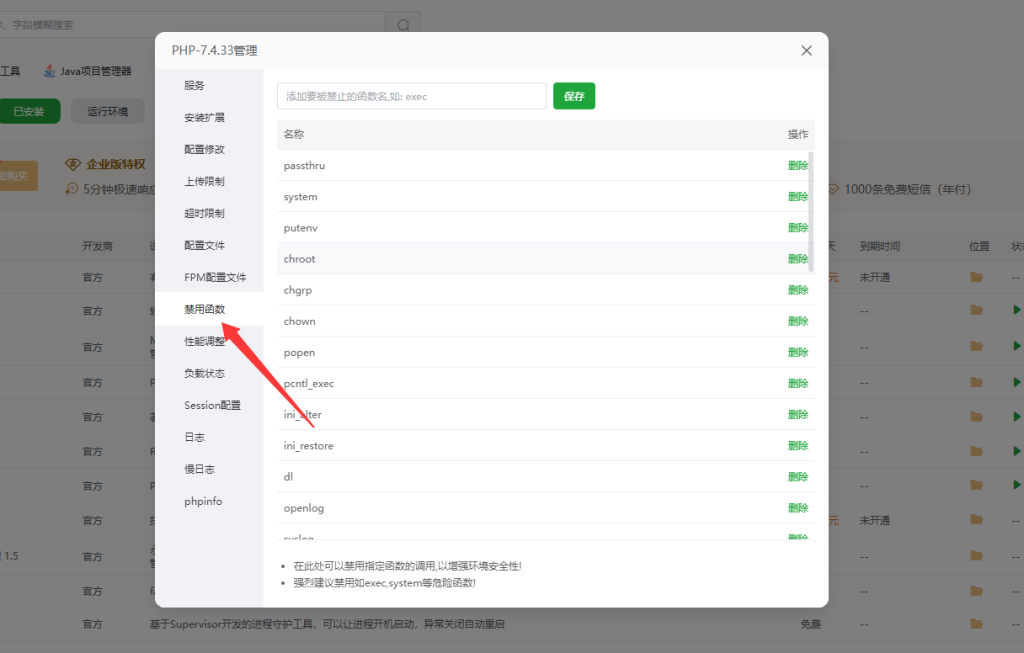
进入软件商店找到 → 7.4PHP版本进入设置

10

设置 → 禁用函数 → 找到这几个参数 exec、proc_open、shell_exec、proc_get_status、proc_close  删除。
11

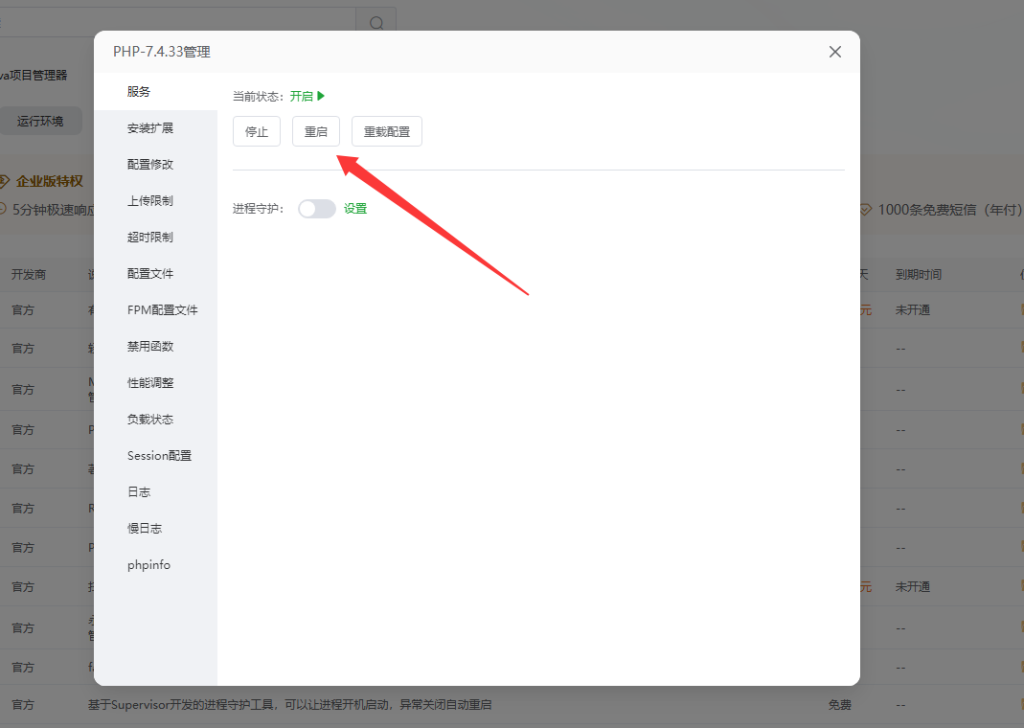
删除完成全重启 PHP7.4

12

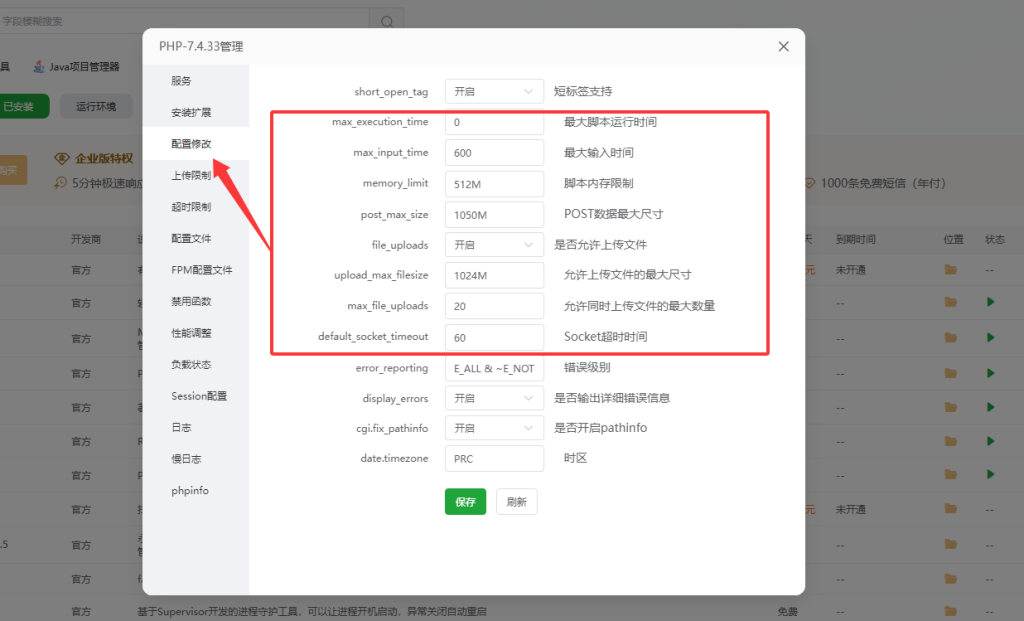
再次进入 PHP 7.4 的“配置修改”,设置参数参照:

memory_limit = 512M
upload_max_filesize = 1024M
post_max_size = 1050M
max_execution_time = 0
max_input_time = 600
13

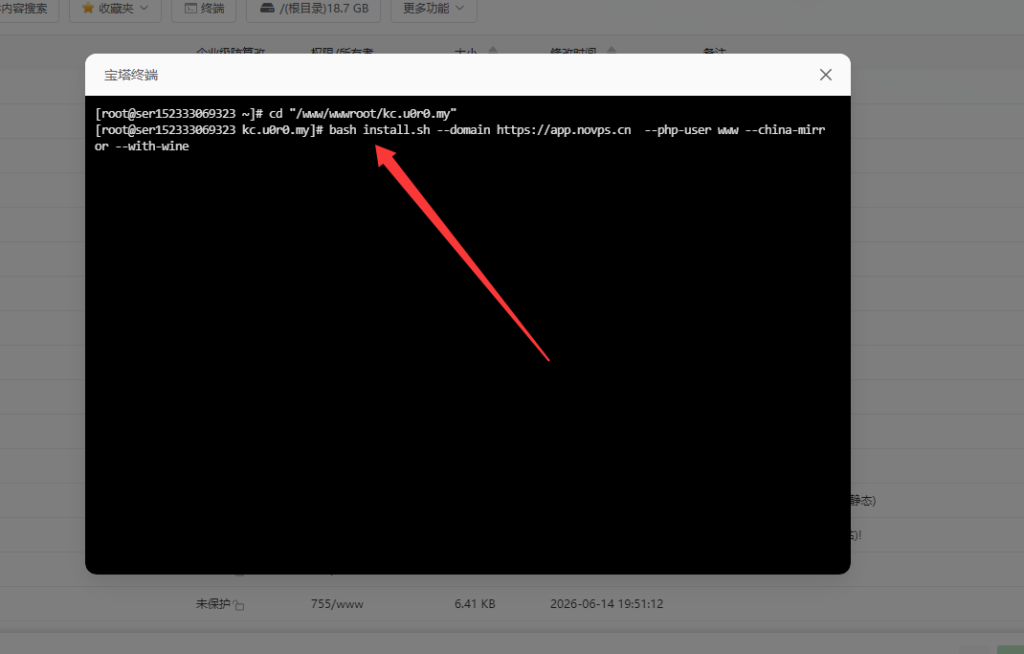
最后宝塔终端目标文件夹执行一下文件

代码:  bash install.sh –domain https://app.novps.cn –php-user www –china-mirror –with-wine
14

按回车完成!

在tools/windows-packager
执行 npm run build-template

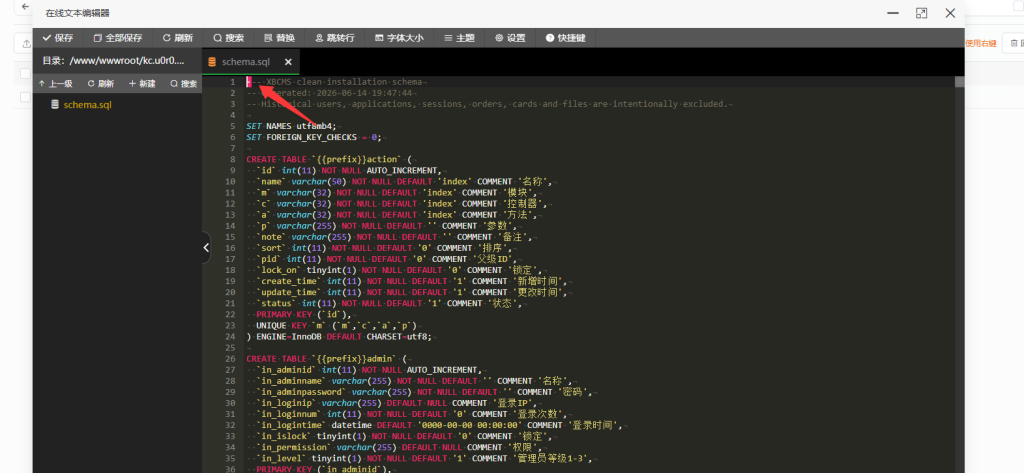
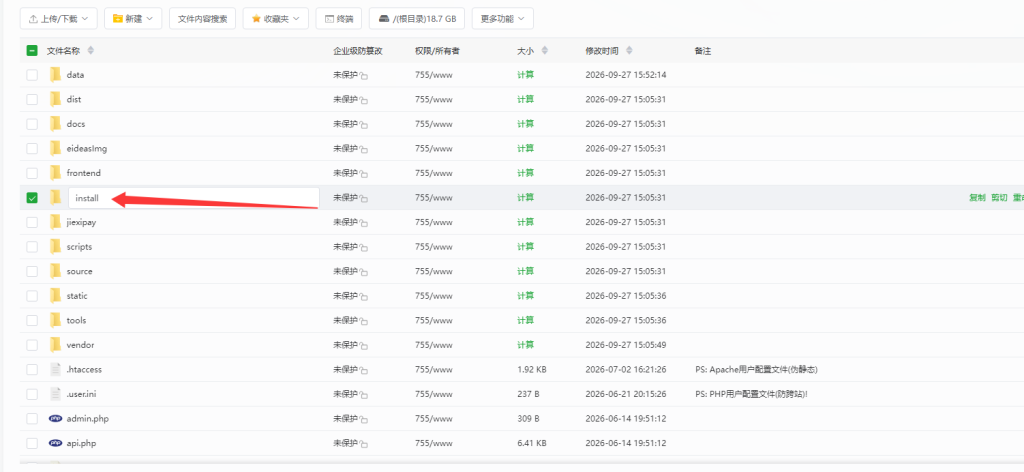
进入根目录找到install文件双击进去修改数据库数据
image

找到箭头的那个小线点删除保存。

17

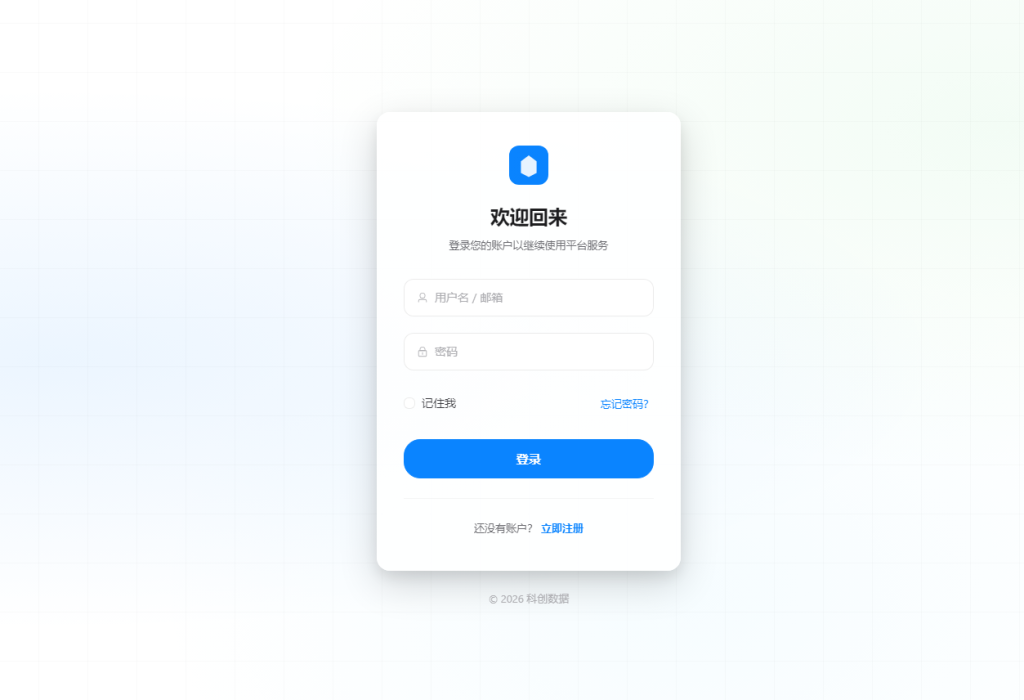
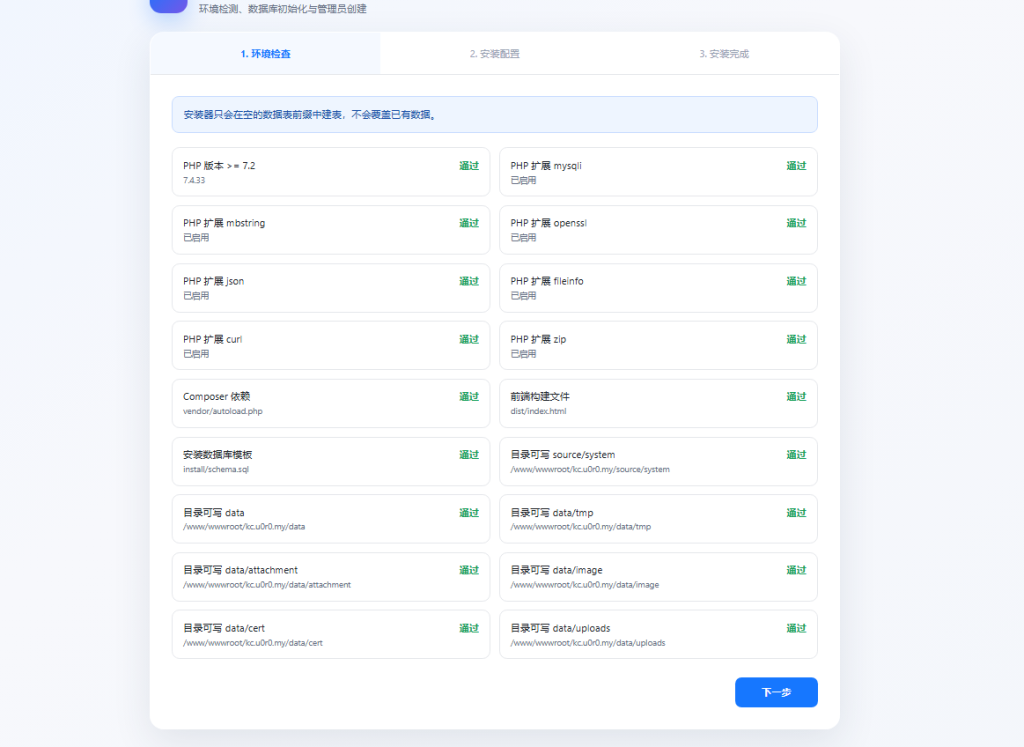
访问网站进行在线安装:

15

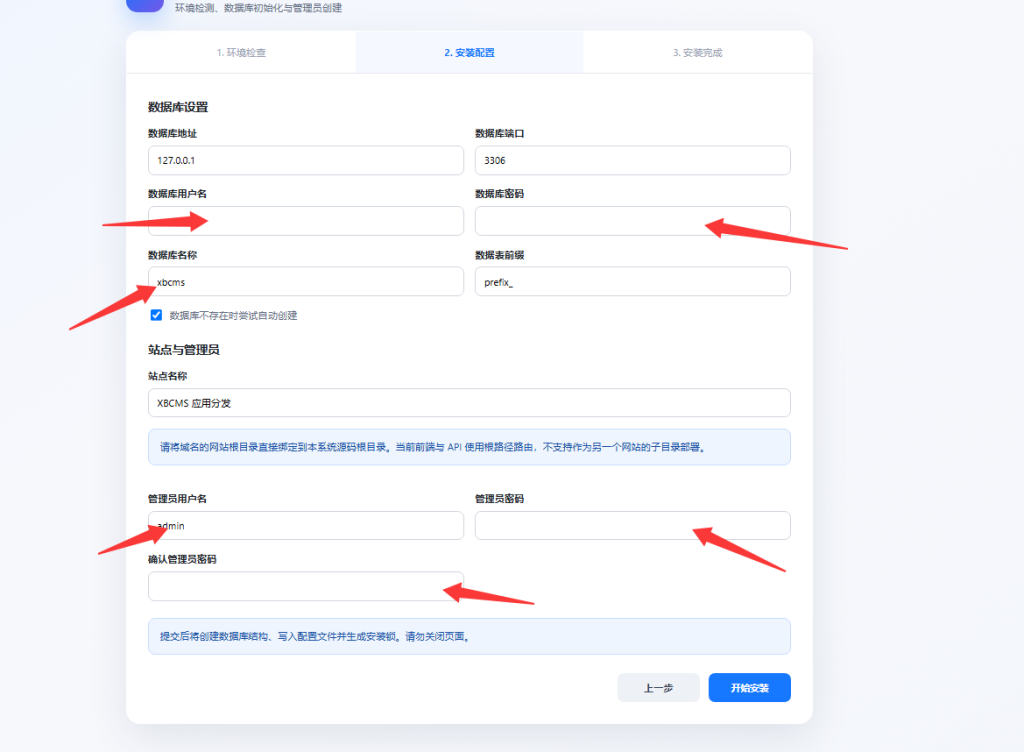
按箭头框填写数据完成填写,然后开始安装

16

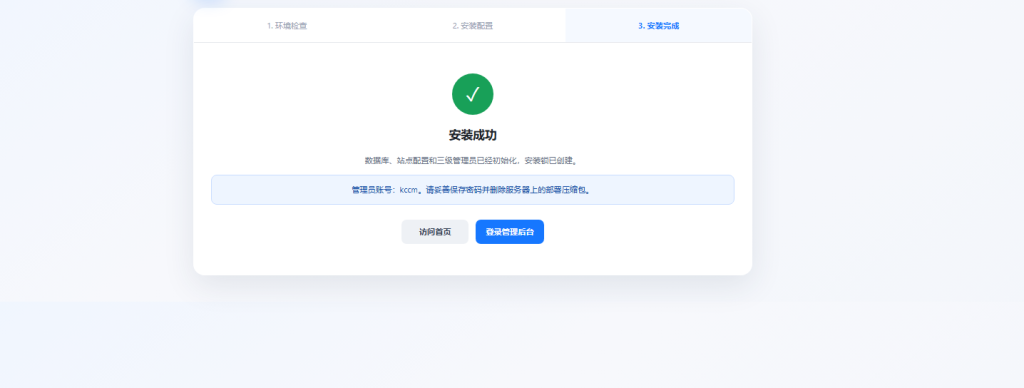
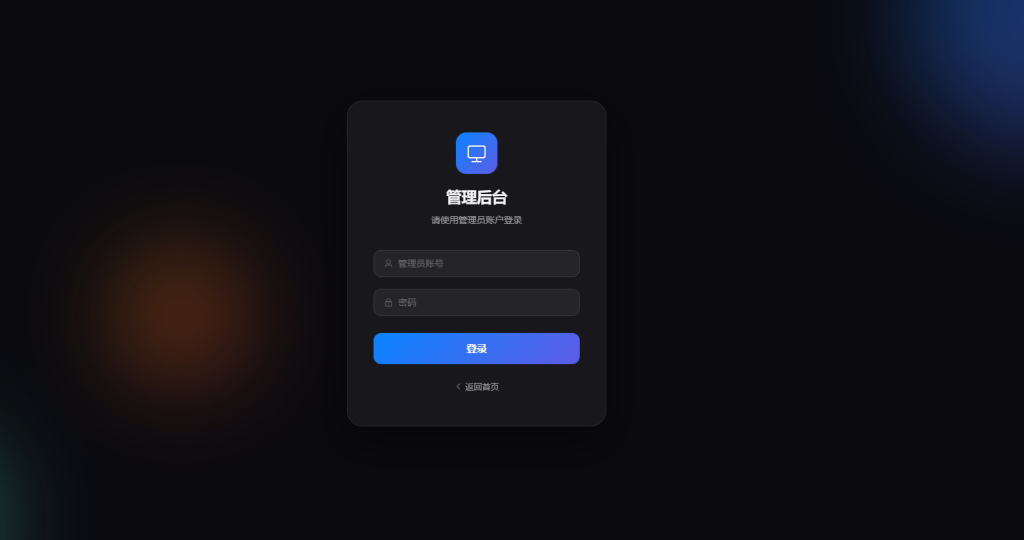
看到这个界面就代表安装完成:

18

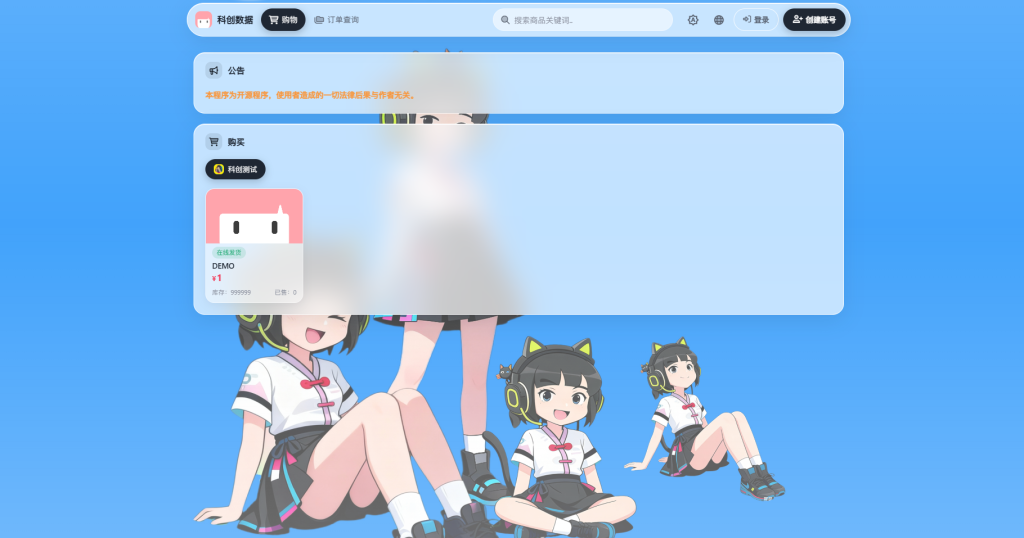
前台访问:https://域名/

后台访问:https://域名/admin/login
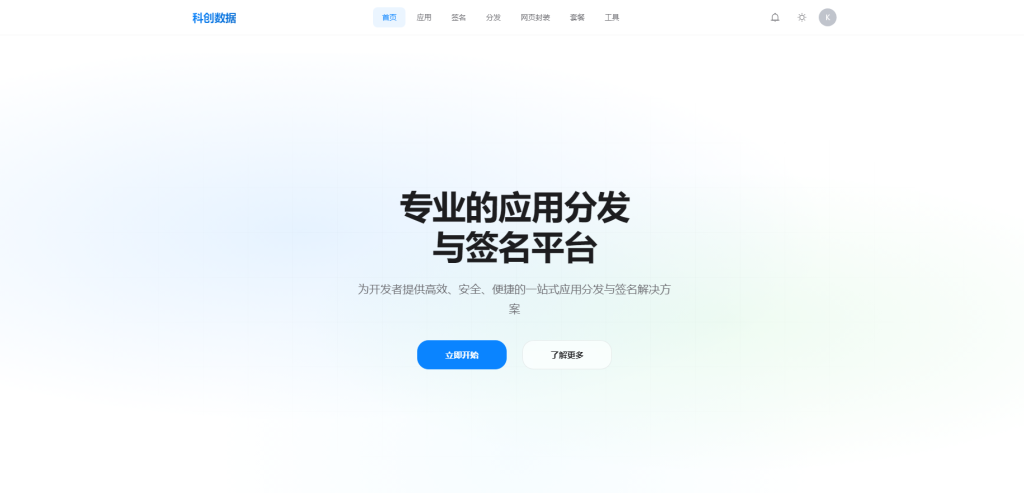
19

部署完成。

© 版权声明
THE END
点赞13 分享
评论 抢沙发

请登录后发表评论

    暂无评论内容